> ## Documentation Index
> Fetch the complete documentation index at: https://getkoala.com/docs/llms.txt
> Use this file to discover all available pages before exploring further.
# Discord
> Track activity in your Discord communities.
The Koala App for Discord helps you track engagement signals in your Discord servers.
## Connecting your Discord Server
1. Go to the [Discord app page](https://app.getkoala.com/goto/apps/discord) in Koala.
2. Click **Connect Discord**.
3. Select the server you want to track.
### Verifying Membership
Discord does not disclose any information about server membership, other than the person's username and avatar.
The Koala app allows you to collect personal information from your members, such as email addresses, by asking them to verify their membership.
You can enable this feature by toggling the **Verify Membership** switch in the app settings.
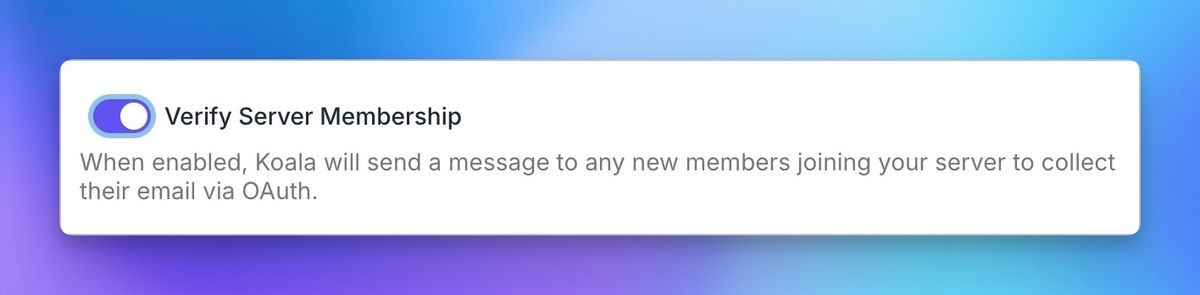 The Koala bot will send a verification message to new members of the server.
Once a member clicks the link and verifies their account, their email address will be sent to Koala.
The Koala bot will send a verification message to new members of the server.
Once a member clicks the link and verifies their account, their email address will be sent to Koala.
 ## Using Discord data in the Koala App
You can use Discord data in the Koala app to create lists, alerts, and more.
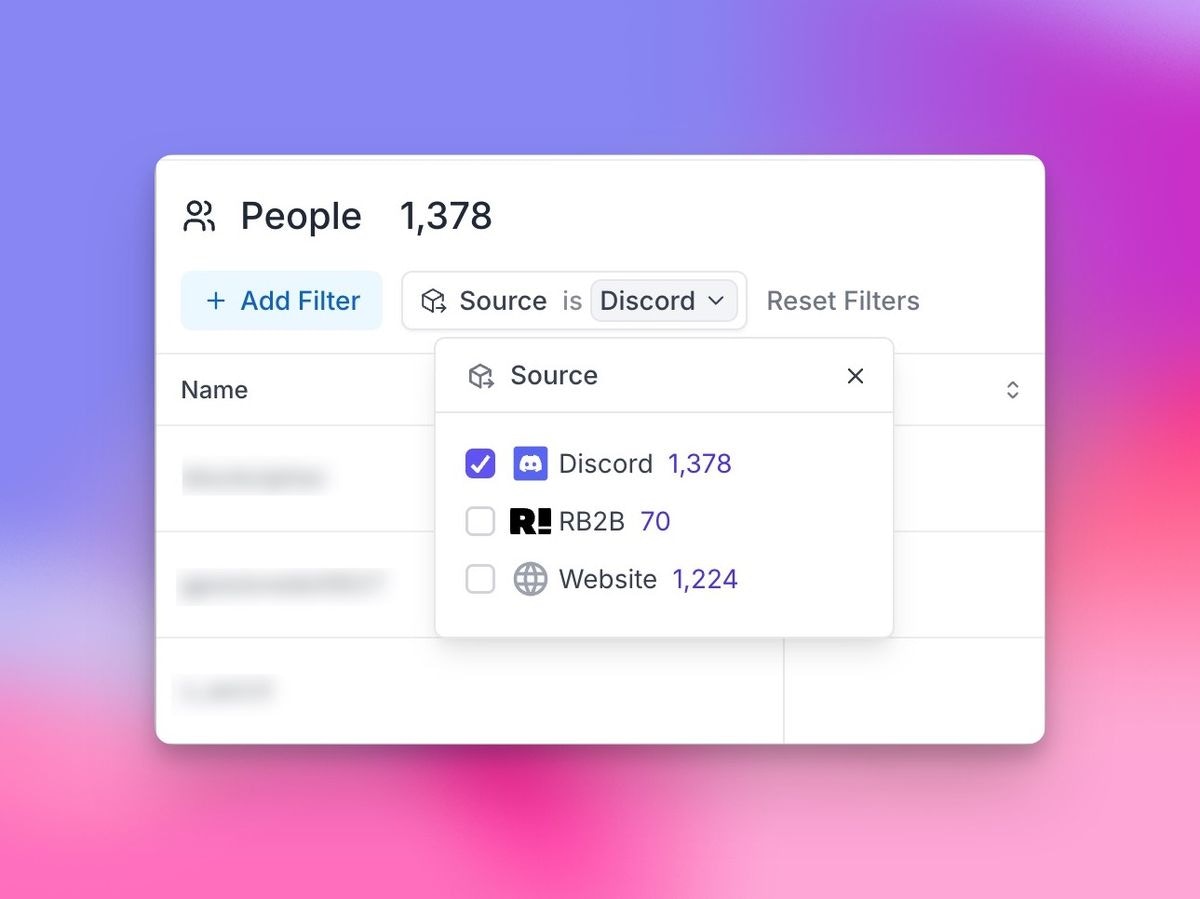
A new `Sources` filter will appear in the top left of your lists, allowing you to filter by Discord.
## Using Discord data in the Koala App
You can use Discord data in the Koala app to create lists, alerts, and more.
A new `Sources` filter will appear in the top left of your lists, allowing you to filter by Discord.
 This documentation is built and hosted on [Mintlify](https://mintlify.com), a developer documentation platform.