> ## Documentation Index
> Fetch the complete documentation index at: https://getkoala.com/docs/llms.txt
> Use this file to discover all available pages before exploring further.
# ReadMe
> Capture intent signals coming from your ReadMe technical docs.
## Installation
### Step 1
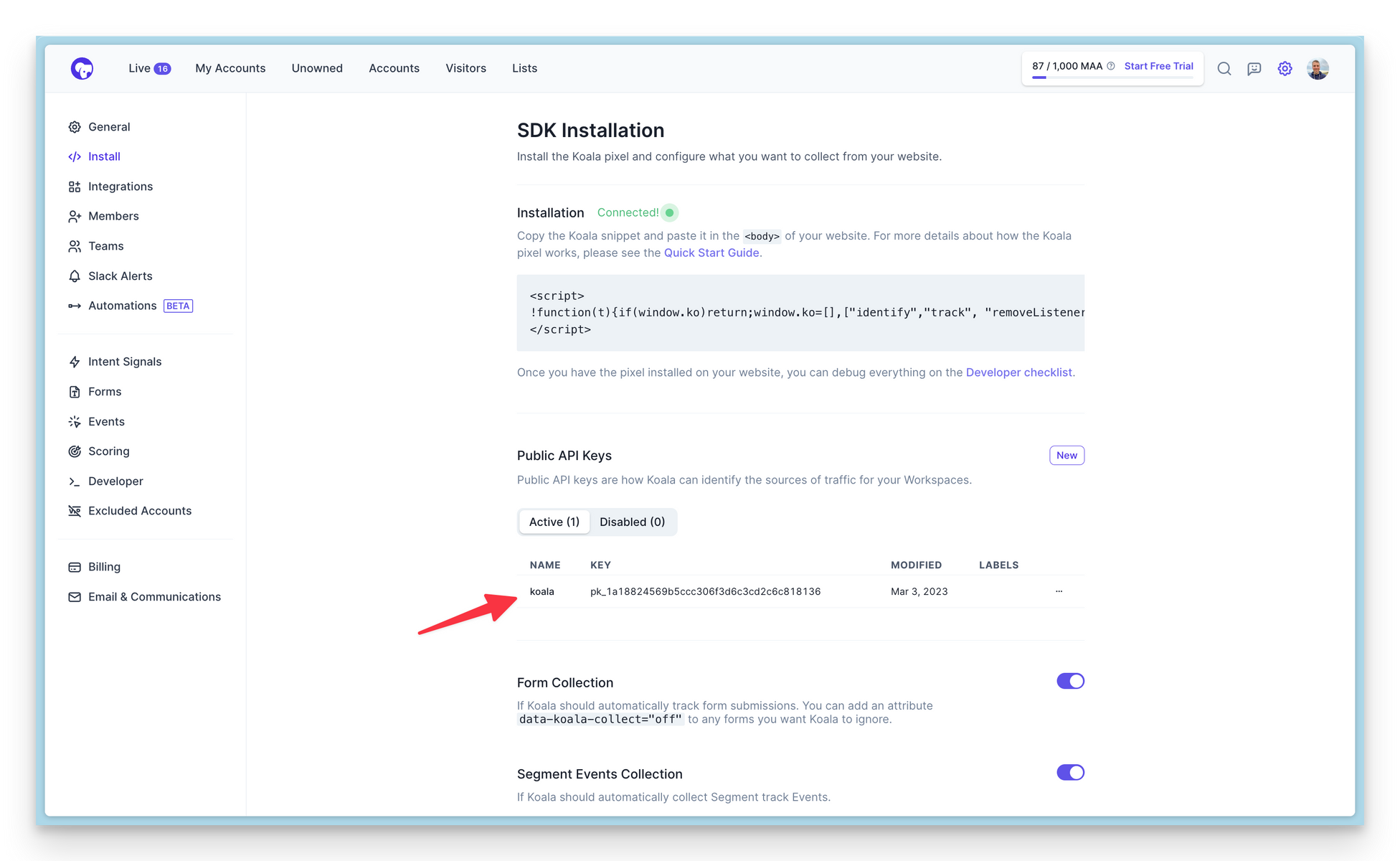
Find your Public API Key here: [https://app.getkoala.com/goto/settings/install](https://app.getkoala.com/goto/settings/install)
 ### Step 2
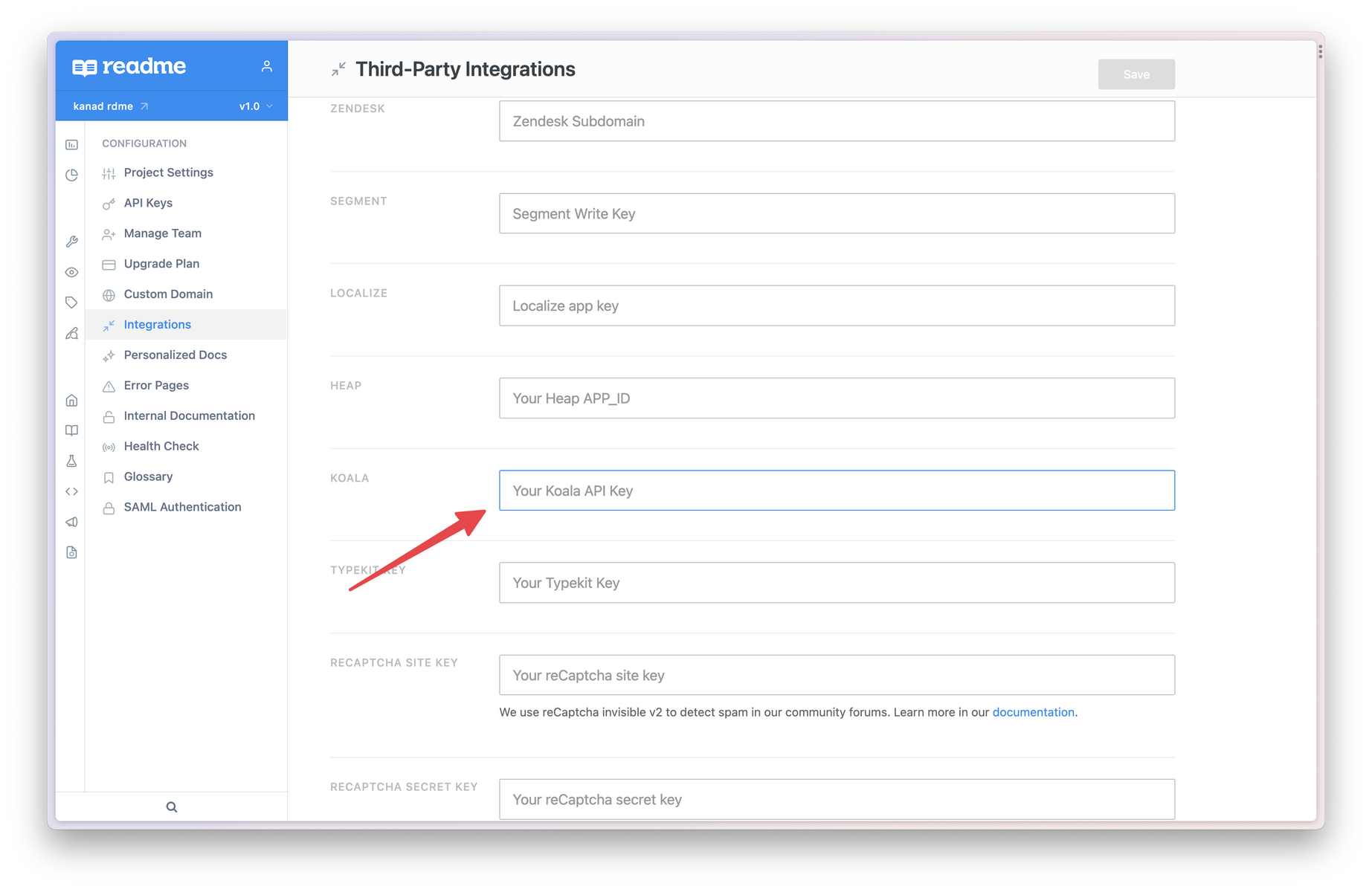
Navigate to the Integrations settings in the ReadMe dashboard, paste in your Koala API key, and click Save.
### Step 2
Navigate to the Integrations settings in the ReadMe dashboard, paste in your Koala API key, and click Save.