Connecting your Discord Server
- Go to the Discord app page in Koala.
- Click Connect Discord.
- Select the server you want to track.
Verifying Membership
Discord does not disclose any information about server membership, other than the person’s username and avatar. The Koala app allows you to collect personal information from your members, such as email addresses, by asking them to verify their membership. You can enable this feature by toggling the Verify Membership switch in the app settings.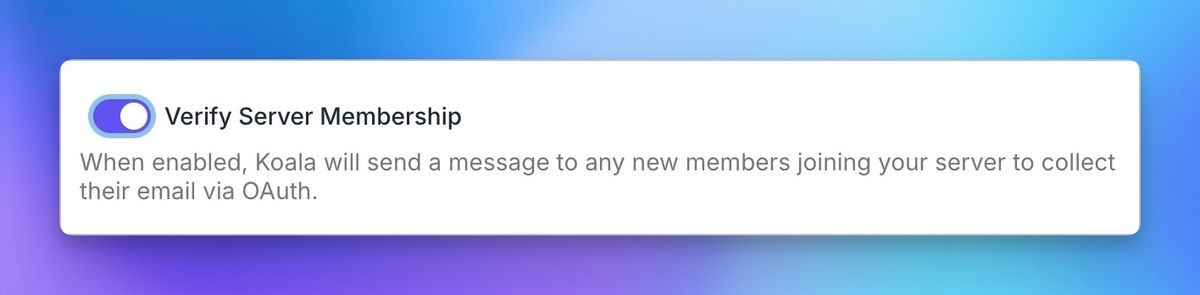

Using Discord data in the Koala App
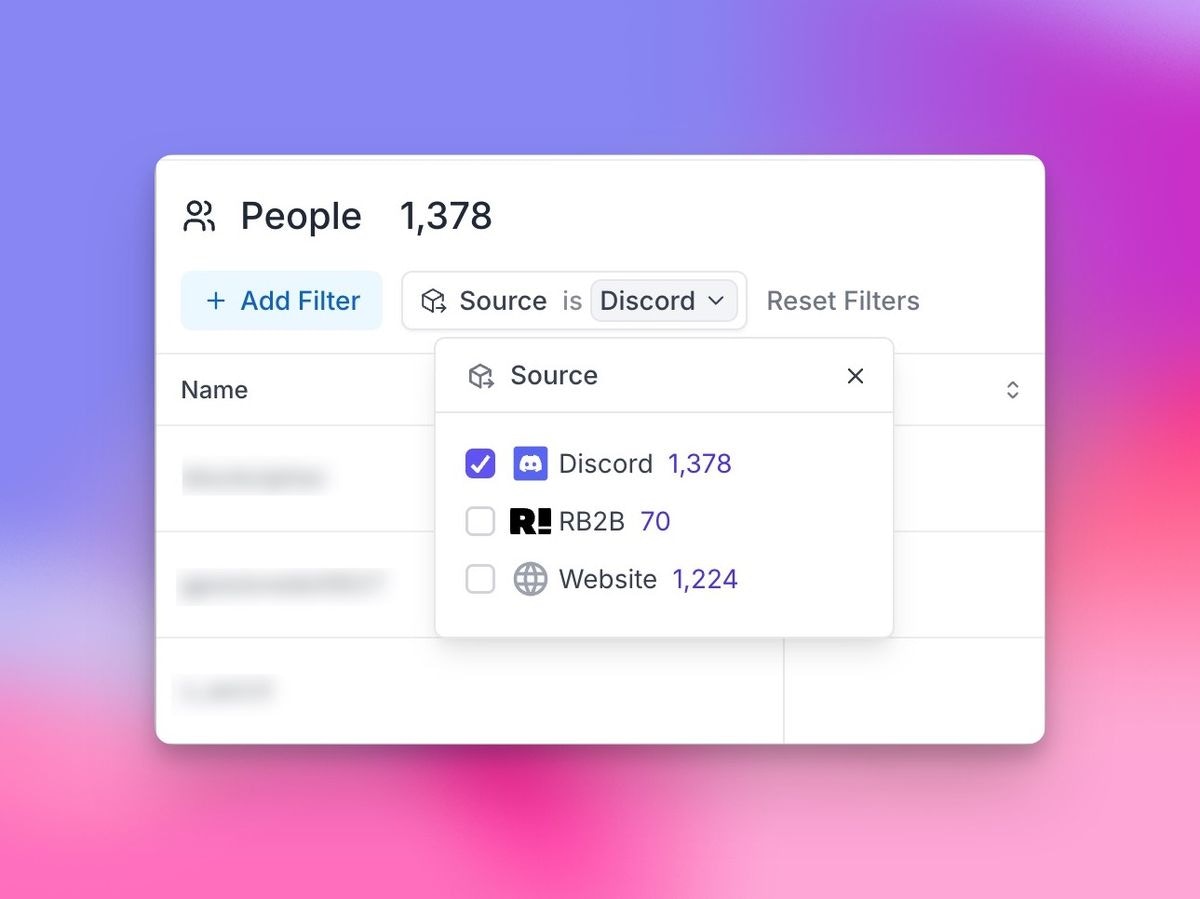
You can use Discord data in the Koala app to create lists, alerts, and more. A newSources filter will appear in the top left of your lists, allowing you to filter by Discord.